You might ask
“What is next?”
CookPal first confirms where you are, then gives the immediate next action and what to look for, so you do not skip ahead.
VOICE-GUIDED COOKING
CookPal turns a recipe into a conversation you can cook with. Ask what is next, how high the heat should be, or how much longer to wait—at any point.
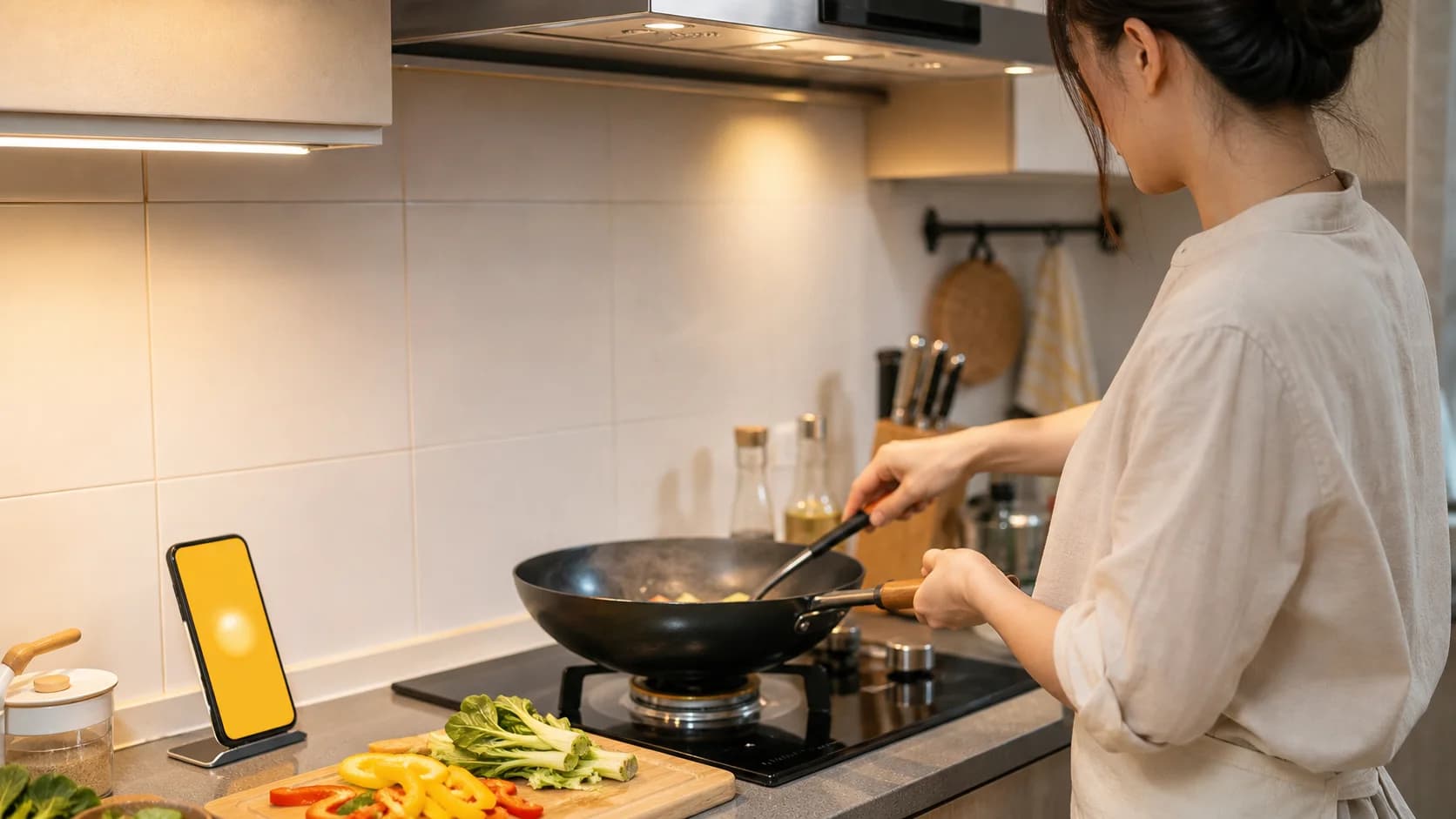
Voice guidance is for the moment you are already at the stove. CookPal explains the current action, then answers your follow-up in context, so you do not have to keep tapping a phone with wet or oily hands.
Confirm the serving size, ingredients, and expected time first. If a key ingredient is missing, CookPal flags it before you turn on the heat—not halfway through.
The current step names the action, amount, and cue. Continue once you are done instead of listening to an entire recipe all at once.
Ask things like “is this low heat?”, “does this look normal?”, or “can I swap this?” The answer uses your current step, without making you repeat the context.
Save the salt level, substitutions, and adjustments you liked, then use them again next time you cook something similar.
These are the moments that most often make cooking pause.
You might ask
CookPal first confirms where you are, then gives the immediate next action and what to look for, so you do not skip ahead.
You might ask
It explains what to observe based on your stove, pan, and recipe goal instead of naming a setting with no context.
You might ask
Guidance pauses at the current step. Resume when you are ready; it does not jump ahead just because a timer ends.
Voice guidance works only after you enter the relevant cooking flow. Check the in-app notice and privacy policy for permissions and data use.
Range hoods, sizzling, and other voices can affect recognition. Put your phone somewhere safe, away from steam and heat but close enough to hear you.
Yes. Correct an ingredient, serving size, or current state aloud, and CookPal continues with the new information.
No. You can pause, replay, or ask to go more slowly. Your real progress sets the pace.
Yes. Start with dishes that use few ingredients, short steps, and lower heat risk, and prepare all ingredients and tools before turning on the stove.